Digital Exam Player
Overview
The Digital Exam Player is the product students use to take a full-length practice exam. We built one unified player where students can practice all SAT, PSAT, ACT, or any of the AP subject exams. This product presents an experience that matches the official test that students will see on test day.
The player includes section-by-section timing with mid-test breaks, a built-in Desmos calculator (subject-aware so it only appears where the real exam allows it), highlighter, answer eliminator, item navigator, question flagging, and reference sheets. A Practice Mode lets students go at their own pace and review. Test Day Mode mirrors the official timing constraints exactly. When the student finishes, their results are used to instantly generate an AI-powered score report.

The Challenge
- Every exam has its own scoring rules, section timing, and allowed tools, the player had to support all variations.
- The experience had to match the official testing software closely enough that practice felt like the real thing, including accommodations like extended time.
- Timer accuracy, autosave, and resilience to disconnects matter, a student losing progress mid-section is unacceptable.
- Scoring had to integrate with the rest of the platform so that score reports, tutor dashboards, and parent-facing messaging all stayed in sync.
Motivation
- Practice exams are the top of Revolution Prep's funnel, they're how families first experience the product.
- The major exam boards (SAT & ACT) moved their tests to digital formats, and our practice experience needed to track that shift to stay relevant and provide real value to our customers.
Goals
- Give students an authentic, low-friction way to take any digital practice exam we offer.
- Make exam results immediately useful by feeding directly into score reports and tutor planning.
- Build a scalable solution that can handle the vast exam library that is constantly being updated.
Application Walkthrough
Configuring the Exam
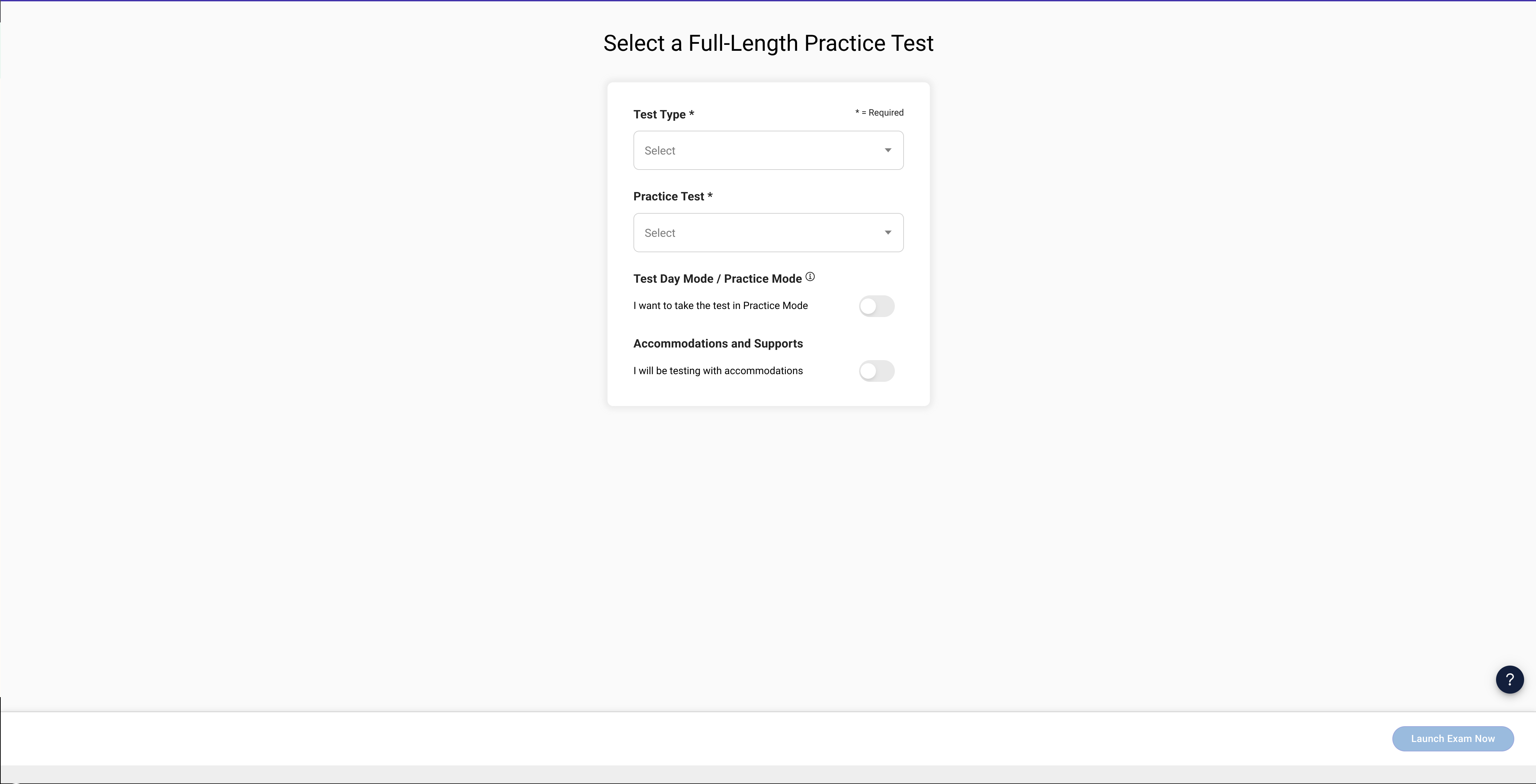
Before a student starts, they must configure the exam they wish to take. The configuration page lets them pick an exam, choose between "Practice Mode" and "Test Day Mode", and review the section structure and timing.
Accommodations
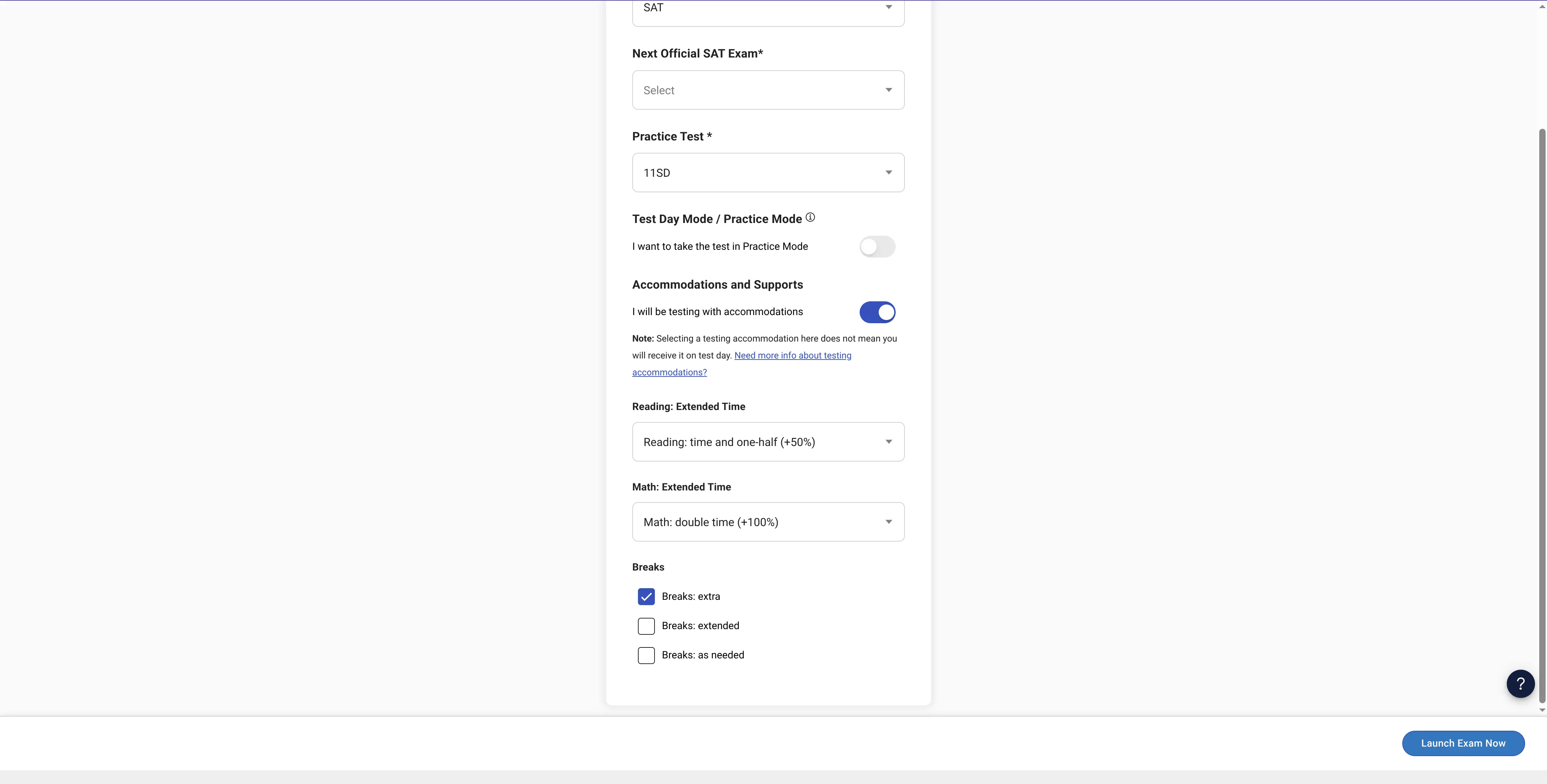
Many students test with approved accommodations. The player supports accommodations like extended time, extended breaks and breaks as needed. Offering accommodations that reflect the options provided on the official exam allows the student to take a practice exam that's as close to the real thing as possible.
Instructions
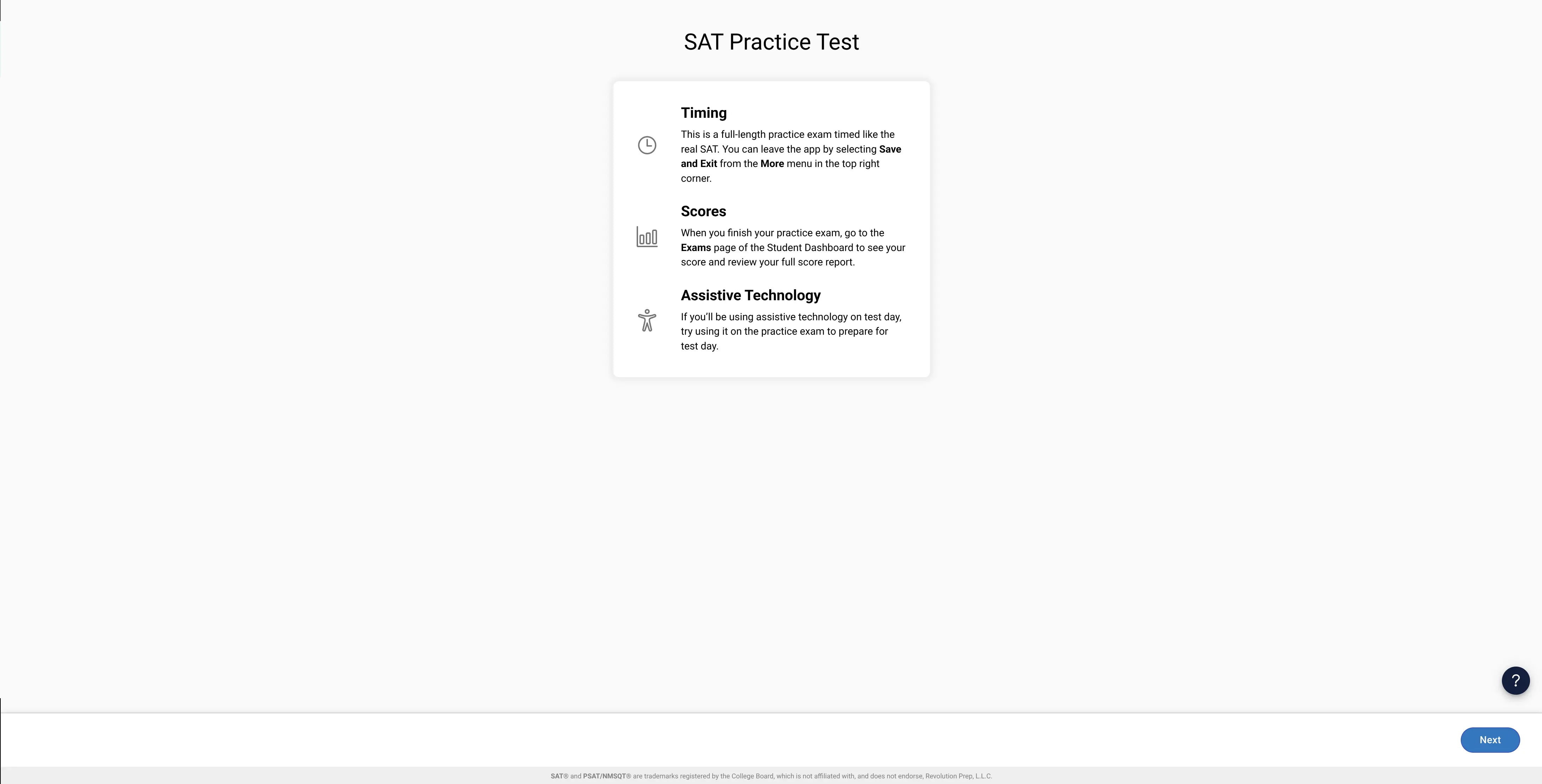
Each exam begins with the instructions page. This is used to provide the student with information about the exam timing, scoring and assistive technology.
Taking the Exam
Mark for Review & Answer Eliminator
The player gives students a "Mark for Review" flag that renders in the question navigator, plus an answer eliminator that lets them cross out choices they've ruled out.
Annotations
Students can highlight passages and annotate as they work through a question. These annotations can be edited and deleted from the same menu.
Calculator & Reference Sheet
Math sections come with their own tools, and the player only renders them where the exam allows. A built-in Desmos calculator and a reference sheet are available on the sections that permit them and hidden everywhere else.
Finishing the Exam
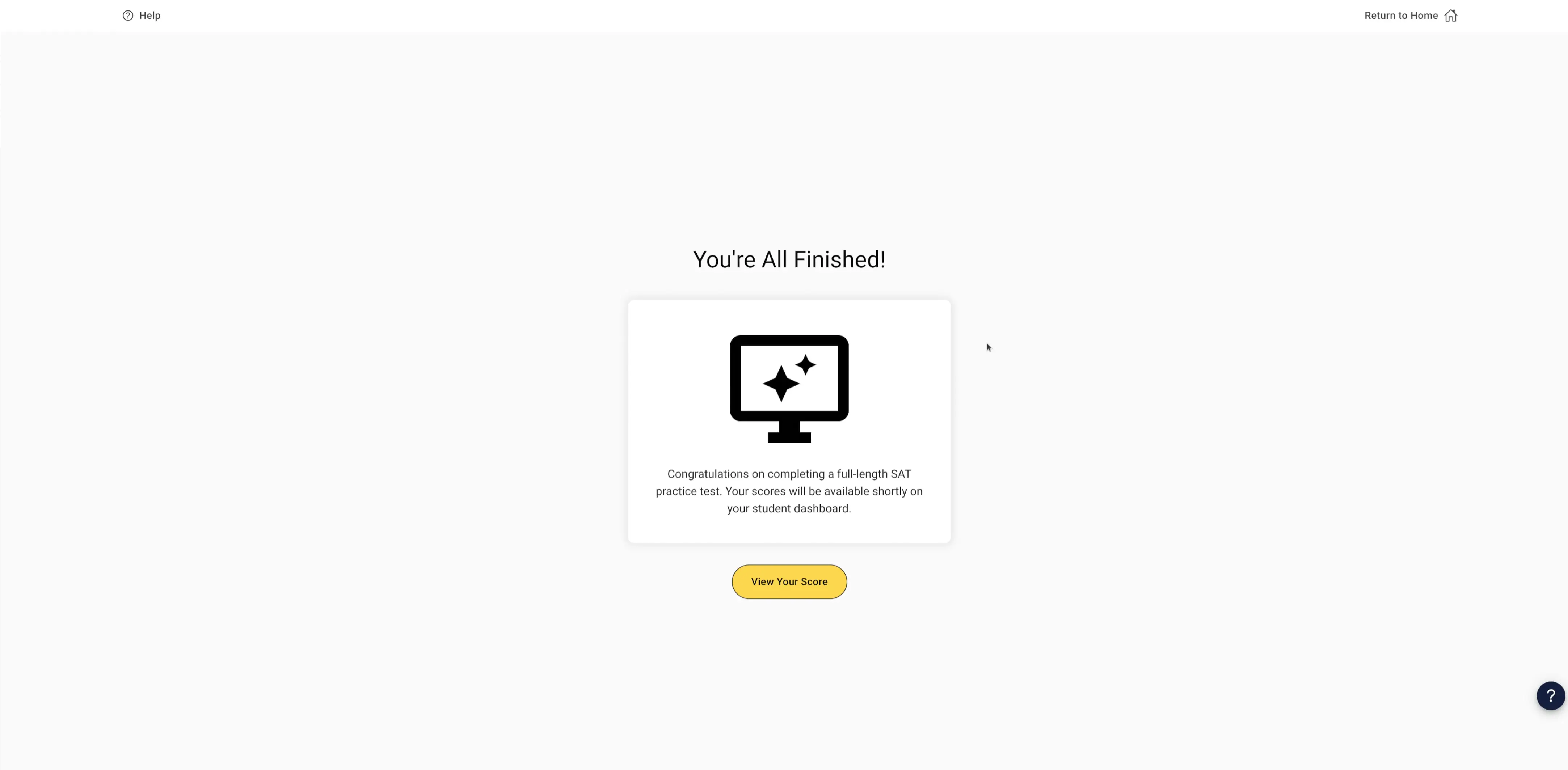
When a student completes the last section, the player confirms they're all finished and submits their work for scoring. At this point their results feed straight into the AI-powered score report, so the moment they put the test down they're already on their way to seeing what to study next.